
Professional Floor Plan Software
Create accurate floor plans — fast
RoomSketcher gives you the tools to create, customize, and visualize floor plans with ease. Whether you're listing a property, planning a build, or designing a space, you'll get polished results in no time.
 ★ ★ ★ ★ ★
4.5 out of 5 on G2
★ ★ ★ ★ ★
4.5 out of 5 on G2
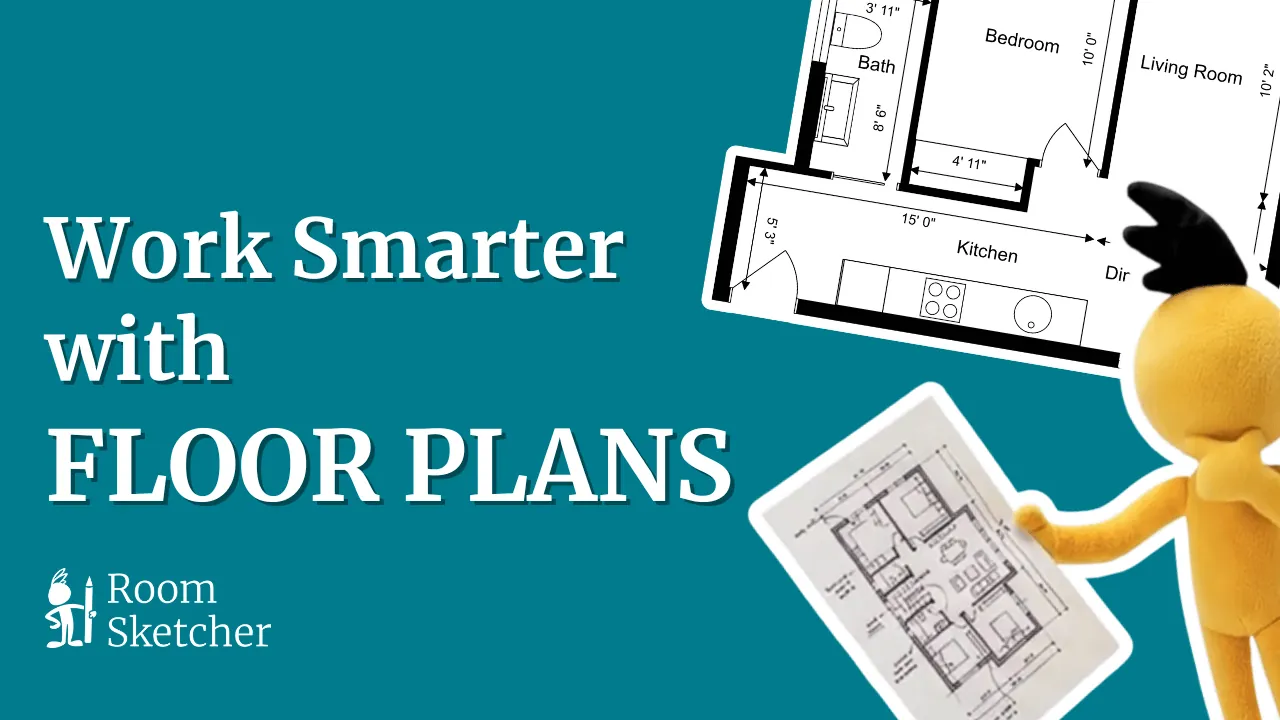

From sketch or photo to a real floor plan — with AI, in minutes.
Hand-drawn sketch on a napkin? Photo of an existing plan? Screenshot of a blueprint? AI Convert reads it and rebuilds it as a clean, scaled, editable floor plan inside RoomSketcher.
- Reads hand-drawn sketches, photos, and PDFs
- Produces editable 2D plans, with 3D generated automatically
- No CAD experience required
 Sketch In
Output
Sketch In
Output
Whatever you have in hand, there's a path to a finished plan.
A real room you need to capture, a sketch on the back of an envelope, a blueprint from your contractor, or nothing at all — RoomSketcher meets you where you are.

Use your phone's LiDAR to scan a real room and turn it into a measured floor plan automatically.
Use FloorCapture
Build your floor plan room by room with our drag-and-drop editor. No CAD skills needed.
Start drawing AI Powered
Upload a hand-drawn sketch or photo of an existing plan. AI Convert turns it into an editable, scaled floor plan in minutes.
Try AI Convert
Load a blueprint, screenshot, or PDF and trace over it. Get a clean, modernized version you can edit.
Start tracing
Send us your sketch, scan, or notes. Our team redraws it into a polished, professional floor plan.
Order a planShape the rooms. Fill the space. See it come to life.
Once your plan is in, the real work — and the fun — begins. Refine walls, doors, and windows with a drag, then furnish every room from a library of thousands of items. An empty layout becomes a space you can actually picture living, working, or selling in.
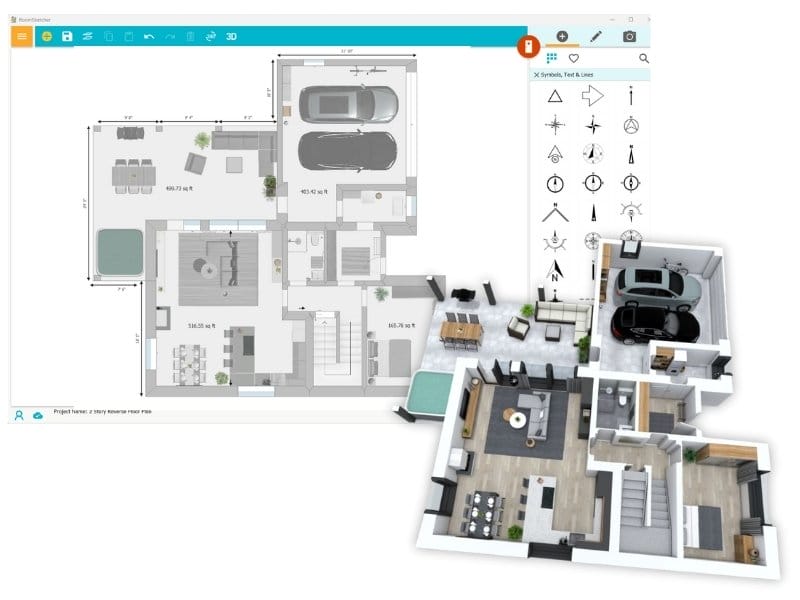
From layout to lived-in — in the same tool.
You're not just drawing walls — you're staging the space. Place sofas, beds, kitchen islands, and appliances. Swap floor materials. Change paint. Hang lights. Every change updates the 2D plan and the 3D view at the same time — so you always know how it'll feel before anyone moves in.
Explore the EditorRefine every wall, opening, and label.
Adjust the structure as fast as you can think. The editor handles the geometry — you make the decisions.
- Drag walls to resize rooms — measurements update live
- Snap doors and windows onto any wall at the right size
- Add room labels, area calculations, and notes
- Build multiple floors in one connected project
- Snap-to-grid keeps everything scaled and accurate
Visualize the room before it exists.
Fill the plan from a library of thousands of furniture, fixture, and finish items. See the result in 2D and 3D — instantly.
- Drag-and-drop sofas, beds, tables, and appliances into any room
- Browse curated styles — modern, traditional, scandi, and more
- Swap floors, wall colors, and finishes with a click
- Resize, rotate, and stack items for the perfect layout
- Save your favorite styles and reuse them across projects
One project. Six ways to see it.
A RoomSketcher project isn't a single file — it's a living plan. Start with a 2D drawing. Add measurements. Switch to 3D. Render photoreal interiors. Walk through in real time. Share an interactive 360 tour. All from the same project.
2D Floor Plans
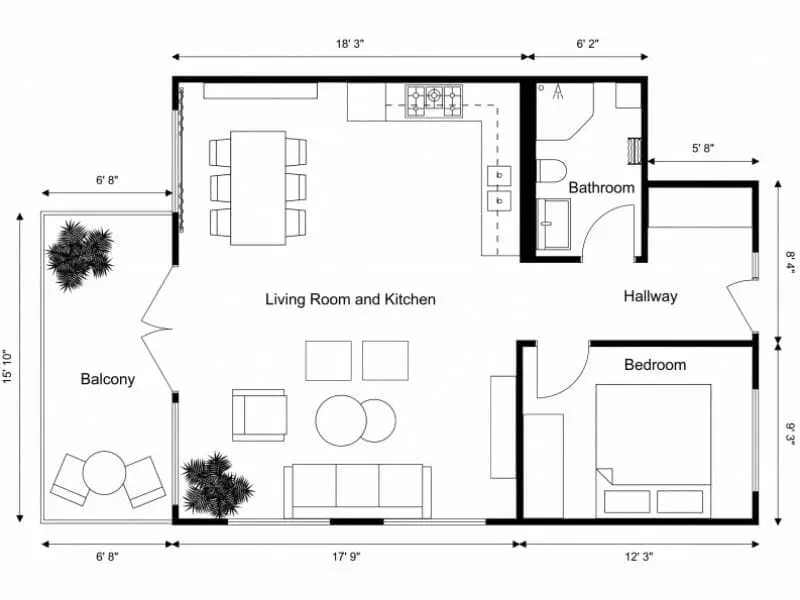
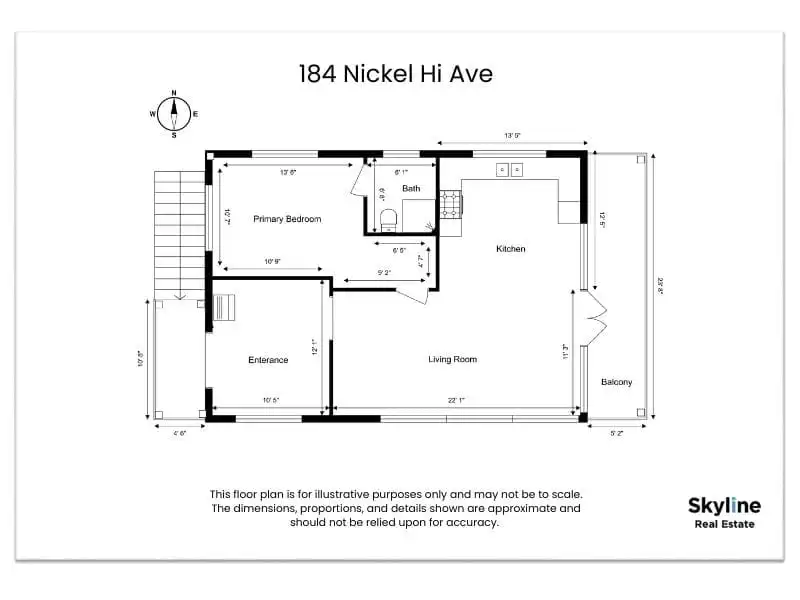
Render detailed, easy-to-read 2D floor plan diagrams. The foundation every project starts from.
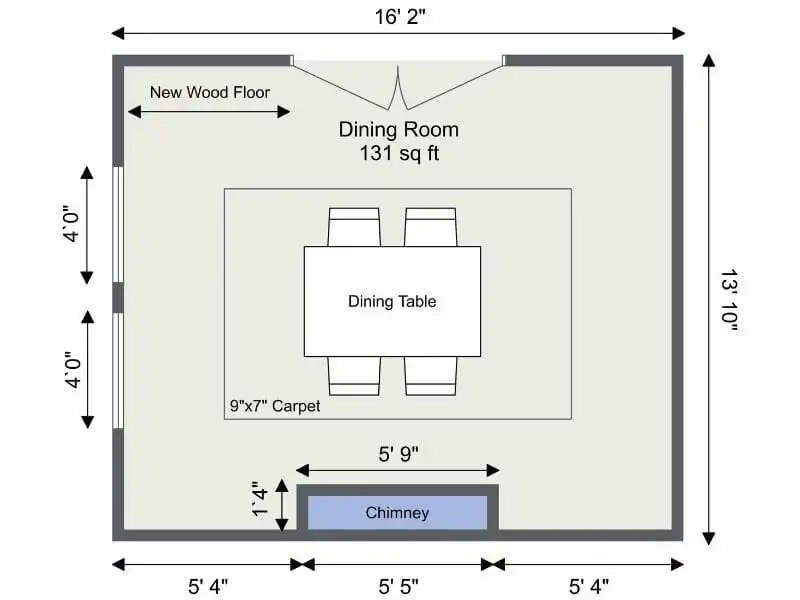
Add Measurements
Add room and wall measurements with one click. Get total area, dimensions, and print-to-scale exports.
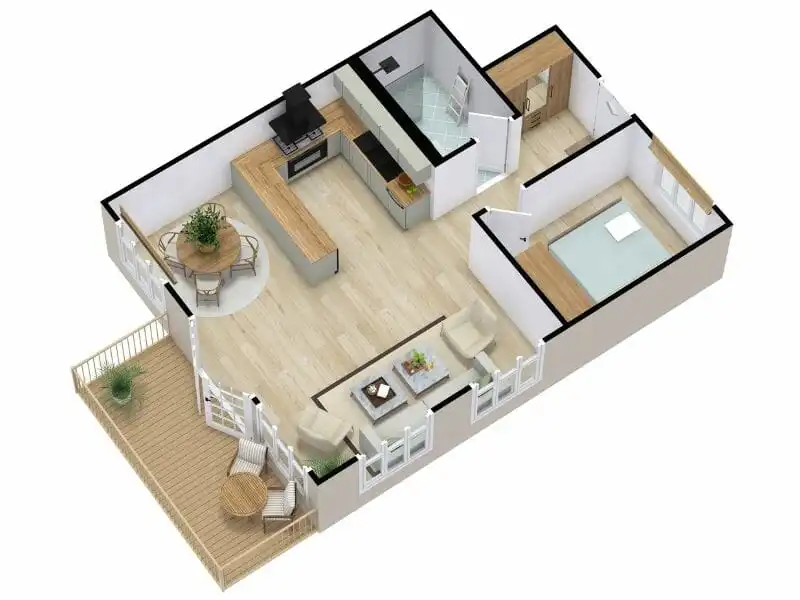
3D Floor Plans
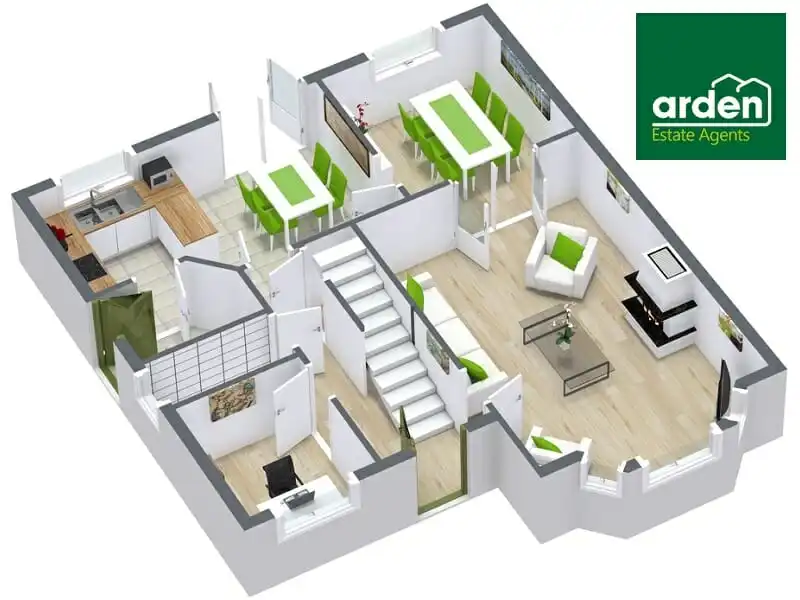
Switch to 3D with a single click. Visualize layouts with high-quality, full-color 3D models.
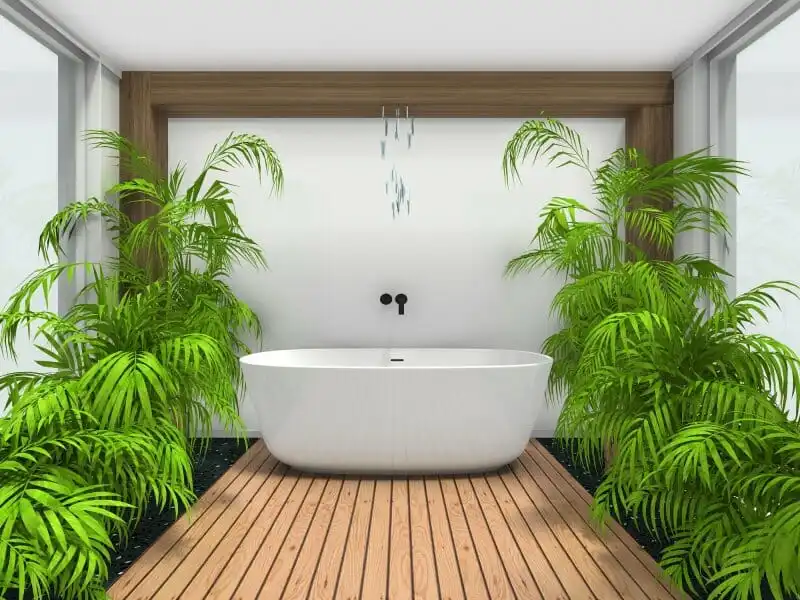
3D Photos
State-of-the-art photoreal 3D renders to showcase your design from any angle.
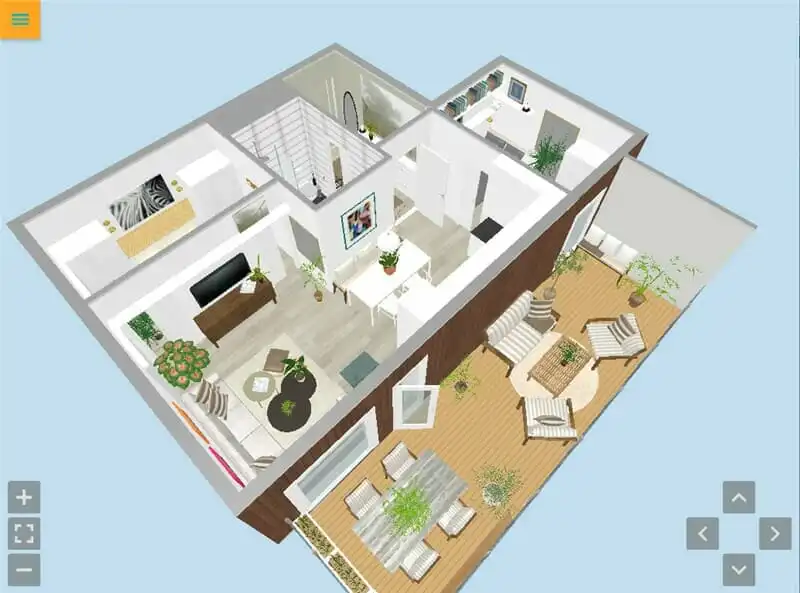
Live 3D Walkthroughs
Walk through every room of your plan in real time. See proportions and sightlines before you build.
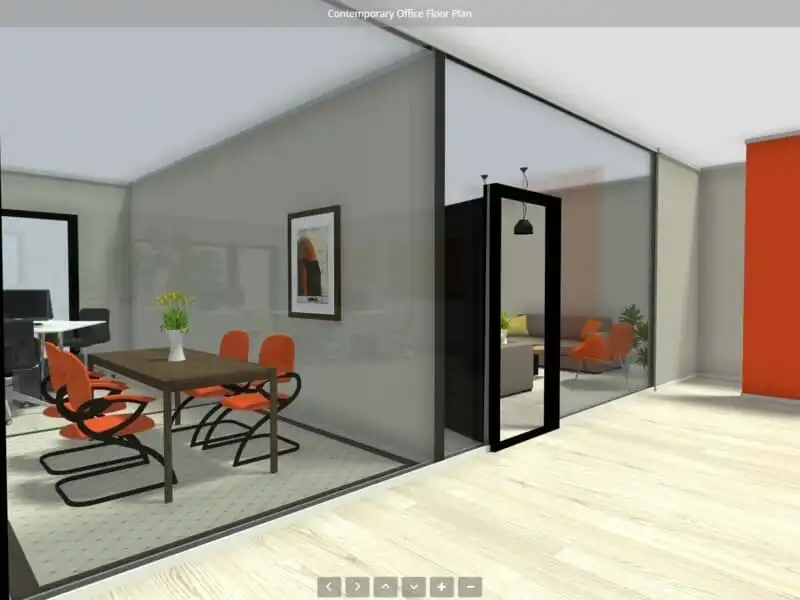
360 Views
Embed an interactive 360 tour on any website or share via link. Clients walk through before they visit.
Join over 10 million users worldwide.
No credit card to start. The free plan covers everything you need to draw a personal project — and you can upgrade only when you're ready.
- 2D & 3D floor plans on every project
- AI Convert and snap-to-grid drawing tools
- Hundreds of furniture items
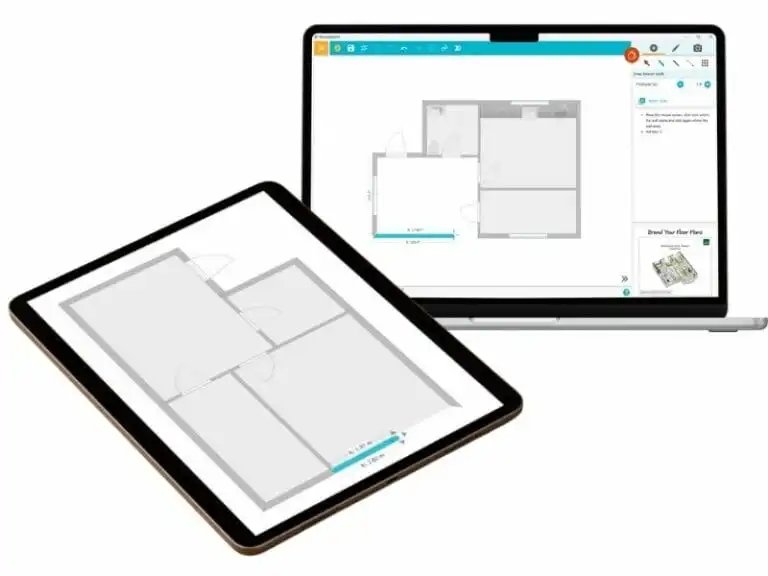
- Works on Mac, Windows, iPad, and Android tablets
- Cloud sync — open any project on any device
Four reasons professionals and homeowners use RoomSketcher.
The drawing tool is the easy part. What keeps 10 million people on RoomSketcher is everything that surrounds it.
Professional results, beginner-friendly
Creating professional floor plans and stunning visualizations is a breeze. Our interface is designed with you in mind, so anyone can get up and running quickly.
- Short learning curve
- Drag-and-drop functionality
- No CAD experience required
Personalize your floor plans, your way
Your floor plans should reflect your style and branding. RoomSketcher packs customization options that let you create layouts that are 100% original.
- Custom colors and materials
- Branded letterheads
- Save styles for consistency across projects
Work seamlessly across devices
Create and edit anywhere, online or offline. Cloud storage keeps every project in sync between your computer and tablet.
- Online archive across every project
- Offline drafting with automatic sync
- Mac, Windows, iPad, and Android tablets
We help you get up and running
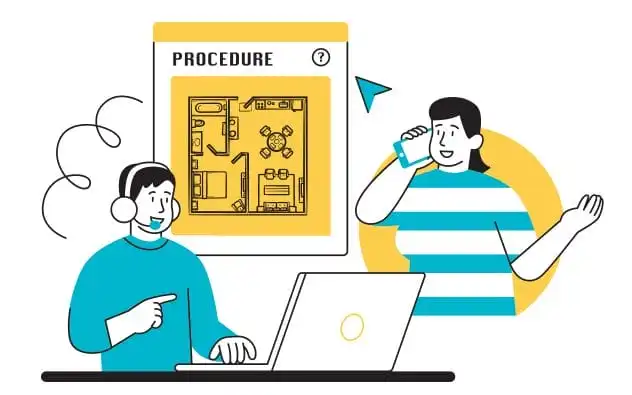
You're never alone. From quick questions to in-depth onboarding, our friendly team is here when you need them.
- Dedicated experts to support you
- Comprehensive online help center
- Live get-started webinars with Q&A
Thousands of happy customers use RoomSketcher every day.

"You don't need to spend countless hours on technical software to produce the results you're looking for. RoomSketcher is easy to use and cost-effective."
Scott Allan Kress
Interior Designer, USA
Before you sign up.
Does RoomSketcher provide any training or help to get me started?
Is RoomSketcher free?
Which devices does RoomSketcher work on?
Your next floor plan is five minutes away.
Sign up free and try every output — 2D, 3D, photoreal renders, walkthroughs, 360 tours — on a real project. No credit card. No time limit.